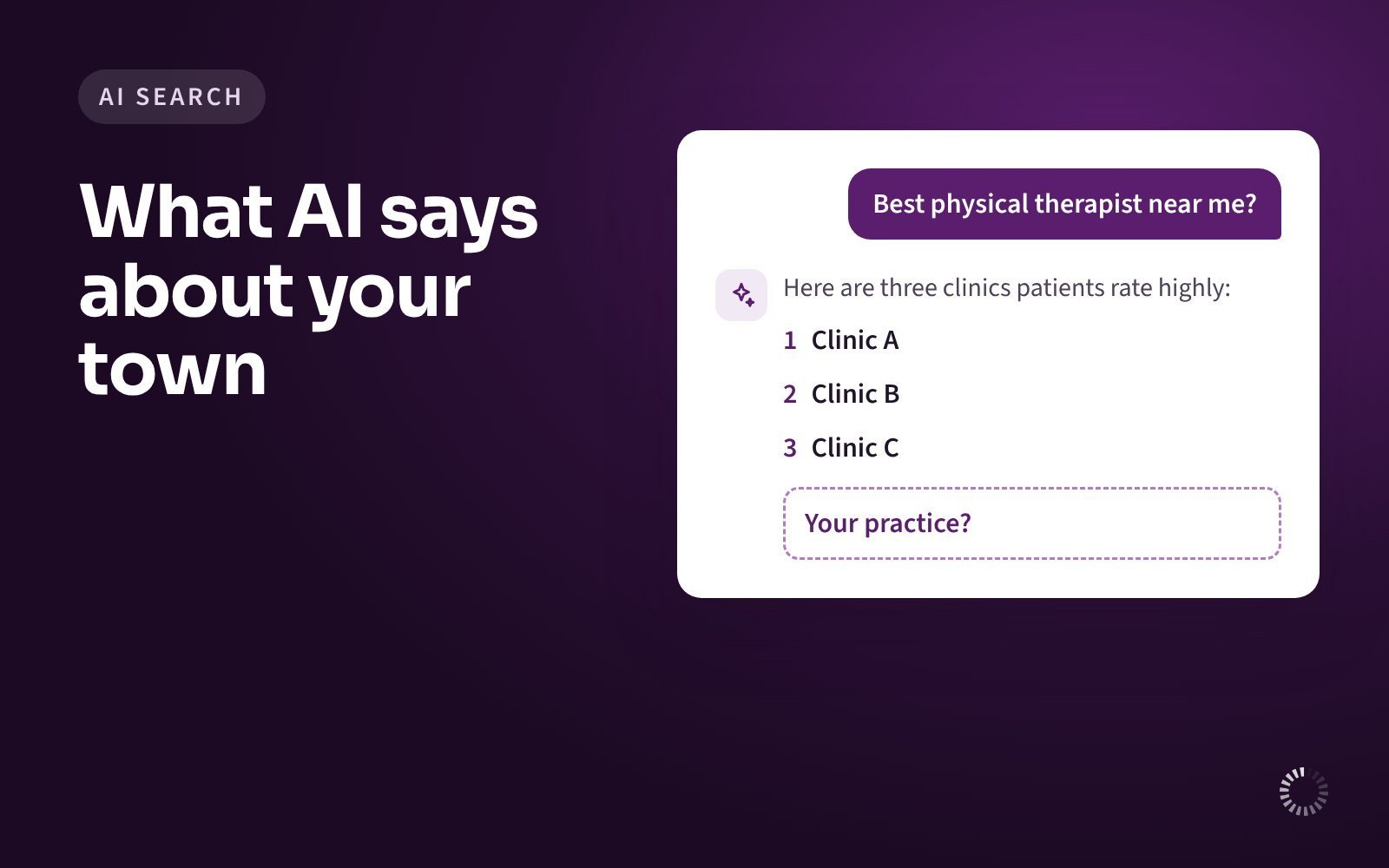
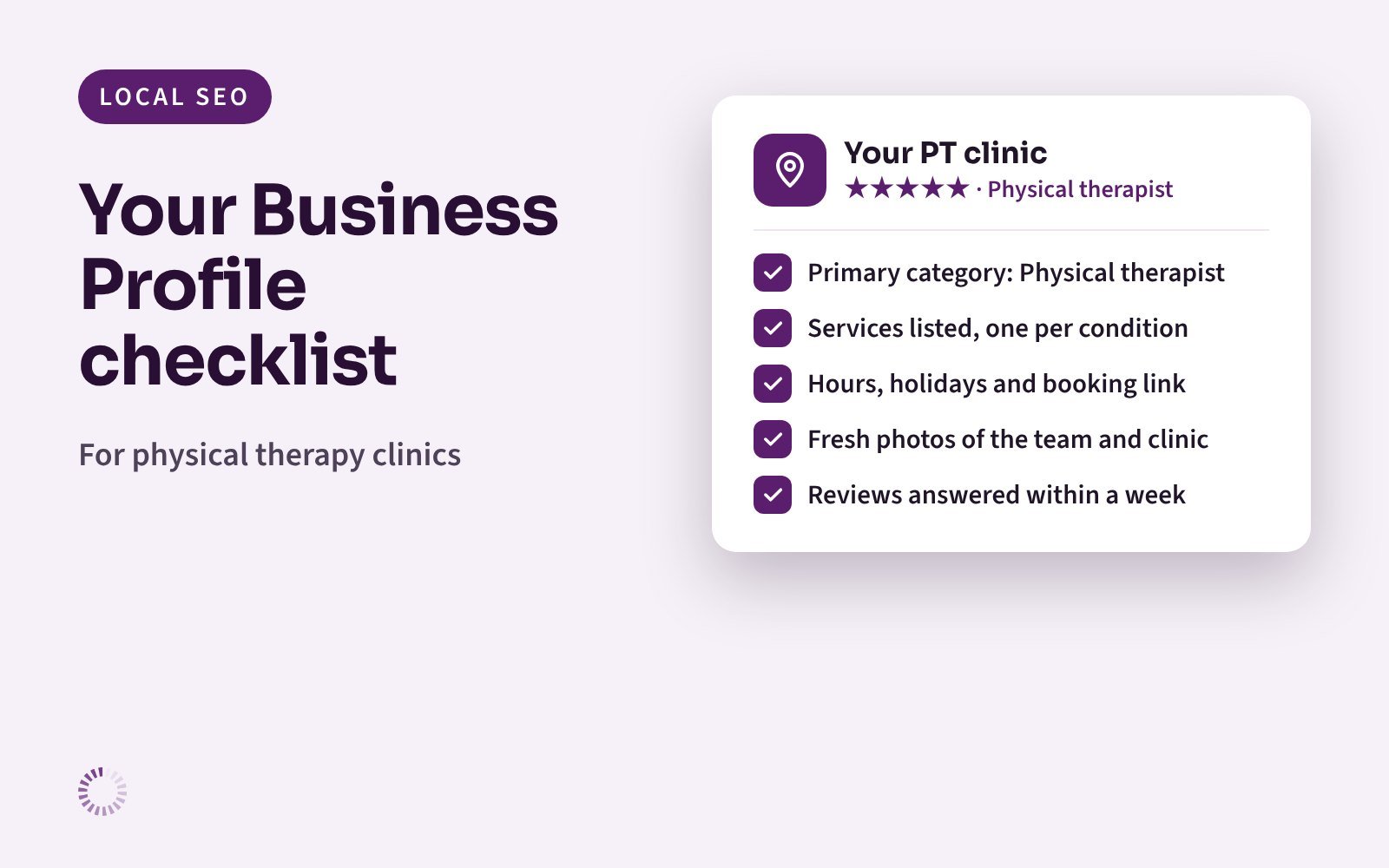
When a patient searches “physical therapy near me”, Google shows a map with a short list of clinics above everything else. Most patients pick from that list. The clinics on it are chosen largely from their Google Business Profiles, the free listings that show your name, address, hours, photos and reviews.
This checklist covers what Google’s own rules say about each part of your profile, the mistakes we see most often at physical therapy clinics, and a ten-minute monthly routine to keep the profile working.
How Google picks the clinics on the map
Google says local results are based mainly on three things:
- Relevance: how well your profile matches what the patient searched for.
- Distance: how far your clinic is from the patient, or from the place they searched.
- Prominence: how well known your clinic is, which includes your reviews, ratings and links from other websites.
Google also states that there is no way to request or pay for a better local ranking. You cannot change distance. You can improve relevance and prominence, and that is what this checklist is for.
The basics: get these exactly right
Google’s guidelines cover these details closely, so it pays to follow them to the letter.
- Business name: use your real name only. It should match the name on your sign, website and stationery. Do not add services or towns. For example, “Riverside Physical Therapy” is fine, but “Riverside Physical Therapy – Back Pain, Sports Rehab, Springfield” breaks Google’s rules.
- Address: a real, staffed location. Google only allows profiles for places where you actually see patients during stated hours, with permanent signage. Virtual offices are not allowed. Create one profile per location, never two for the same address.
- Categories: as few as possible, and the most specific one first. Google asks you to use as few categories as possible to describe your core business. A simple test from Google: the category should complete the sentence “This business IS a…”, not “This business HAS a…”. Choose your primary category from Google’s list, and only add others if they describe what the clinic is.
- Hours: your regular patient-facing hours. Add special hours for holidays and closures so patients do not arrive to a locked door. One detail many clinics miss: Google says businesses that work only by appointment should not show hours at all. If you have set hours when the front desk is open, show those.
- Phone and website: local and yours. Use a local number you control rather than a central call center where possible. Link to your own website, ideally the page for that location, not to a social media page.
- Description: plain facts, no links or offers. Google does not allow links, prices or promotional wording in the description. Describe who you help, the conditions you treat and what makes your clinic different, in two or three short paragraphs.
Your therapists and home visits
- Individual therapist profiles. Google allows separate profiles for “individual practitioners” who see the public directly. Its examples are doctors and dentists. If your therapists see patients directly, follow the same rules: the clinic has its own profile, and each therapist’s profile uses only their name, not the clinic name. Support staff should not have their own profiles.
- A solo therapist with a clinic brand. Google asks for one shared profile in the format “Clinic name: Therapist name”, rather than two separate ones.
- Home visits. If you also treat patients at home, you can keep your clinic address visible and add a service area. Google says service areas should generally stay within about two hours’ drive of your base.
Make the profile complete
Google says businesses with complete and accurate information are more likely to show up in local results. For a physical therapy clinic, that means:
- Services. List each main service and condition you treat, such as back pain, knee pain, post-surgery rehab, sports injuries and balance therapy. These help Google match you to the searches patients use.
- Attributes. Fill in the yes-or-no details Google offers, such as parking. Patients care about these, especially after an injury.
- Photos and videos. Add real photos of your entrance, treatment areas and team. Patients want to recognise the building and see who will treat them. Add new ones every few months.
- Posts. A short update each month (a new therapist, a workshop, extended hours) shows patients that the clinic is active.
Reviews: ask fairly, reply carefully
Google says more reviews and positive ratings can help your local ranking, and it encourages businesses to reply. It also has strict rules on how you ask.
What Google does not allow:
- Offering anything in return for a review, such as a discount, a gift card or a free session.
- Asking only happy patients, or discouraging unhappy ones from posting.
- Reviews from current or former staff, or anyone else with a conflict of interest.
- Pressuring patients to leave a review while they are at the clinic.
Since October 2024, the US Federal Trade Commission’s rule on reviews and testimonials also bans fake reviews and reviews bought in exchange for a positive opinion, and lets it seek civil penalties.
A fair way to ask: ask every patient the same way, for example at discharge, with a short link or QR code and a simple line such as “If you have a minute, we’d really value an honest review.”
Reply to every review, without health details. As a healthcare provider covered by HIPAA, you must not confirm that a reviewer is a patient or mention their condition or treatment, even if they mentioned it first. In December 2022 the US Department of Health and Human Services announced that a dental practice paid $23,000 to settle a case that included disclosing patients’ information in replies to online reviews.
Risky reply (example): “Sorry your knee is still sore, John. Your therapist noted you missed three sessions.”
Safer reply (example): “Thank you for your feedback. We take every comment seriously and would like to talk with you. Please call our clinic manager on [number].”
If you are unsure about a reply, check with your compliance lead or lawyer before posting.
Your ten-minute monthly routine
- Check your hours, and add special hours for any holidays coming up.
- Reply to every new review.
- Add two or three new photos.
- Publish one short post.
- Check that your name, address and phone number still match your website and other listings.
- Search “physical therapy near me” from your area and note which clinics appear on the map.
What results to expect
No one can promise a position on the map, and Google is clear that rankings cannot be bought. What you can do is give Google the most complete, accurate and active profile in your area. Your profile’s performance figures (calls, direction requests and website clicks) show whether the work is paying off, so look at them each month.
Want us to check your profile?
Our free AI visibility report includes your Google Maps ranking for the searches patients use, how your profile compares with nearby clinics, and three fixes you can make yourself this week. We send it within two business days.
Get my free AI visibility report
Sources
- Google Business Profile Help: Tips to improve your local ranking on Google
- Google Business Profile Help: Guidelines for representing your business on Google
- Google Maps User Contributed Content Policy: Prohibited and restricted content
- US Department of Health and Human Services: HIPAA settlement with New Vision Dental (14 December 2022)
- Davis Wright Tremaine: FTC finalizes rule banning fake consumer reviews (effective 13 October 2024)
This article is general information, not legal advice.
Written by the Outreach Digital team.
← All articles